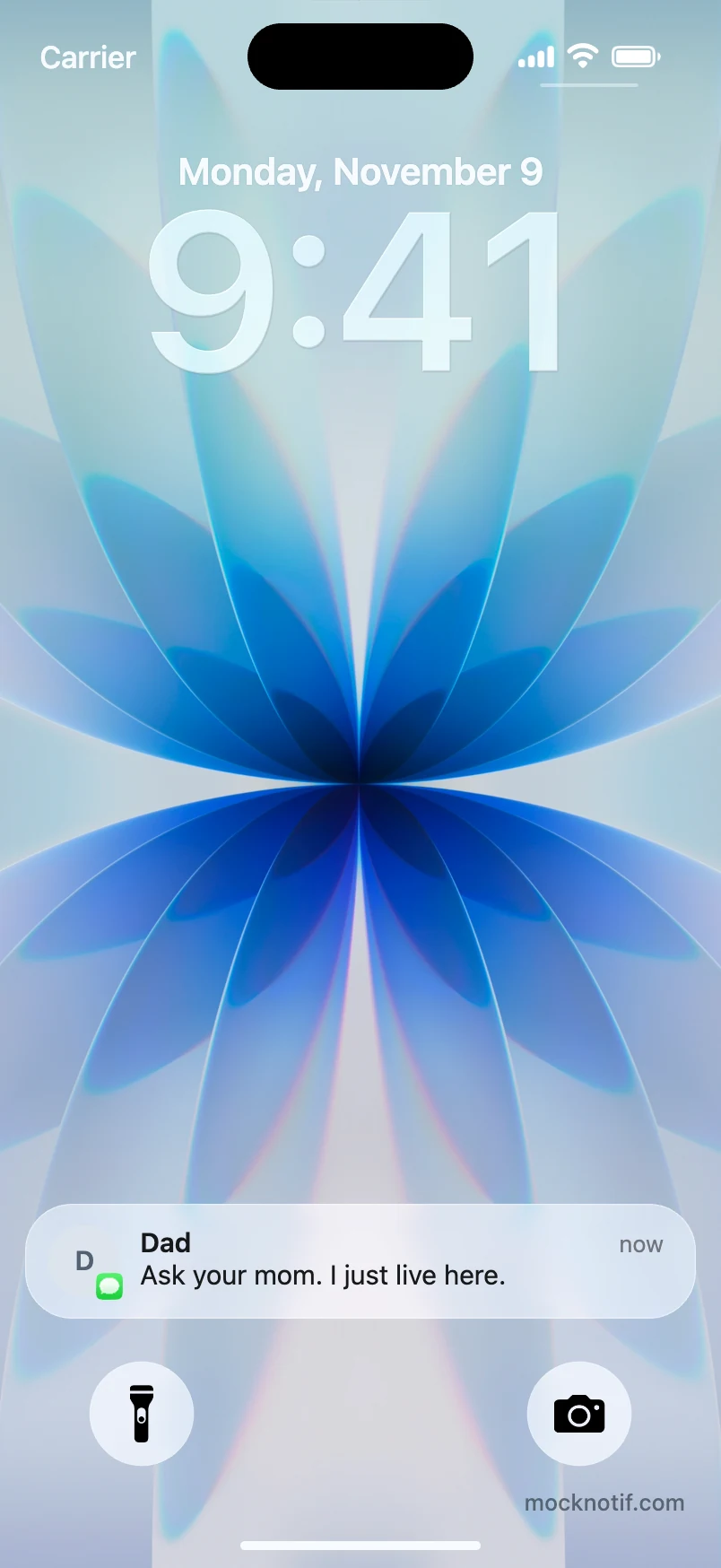
iMessage notification example
The classic Dad reply. One message. Perfect timing.

Create custom iPhone lock screen notifications with realistic animations. Download a PNG image or export an MP4 video.
Add a notification to start your story.
Start with an iPhone notification example, then make it your own.
The classic Dad reply. One message. Perfect timing.
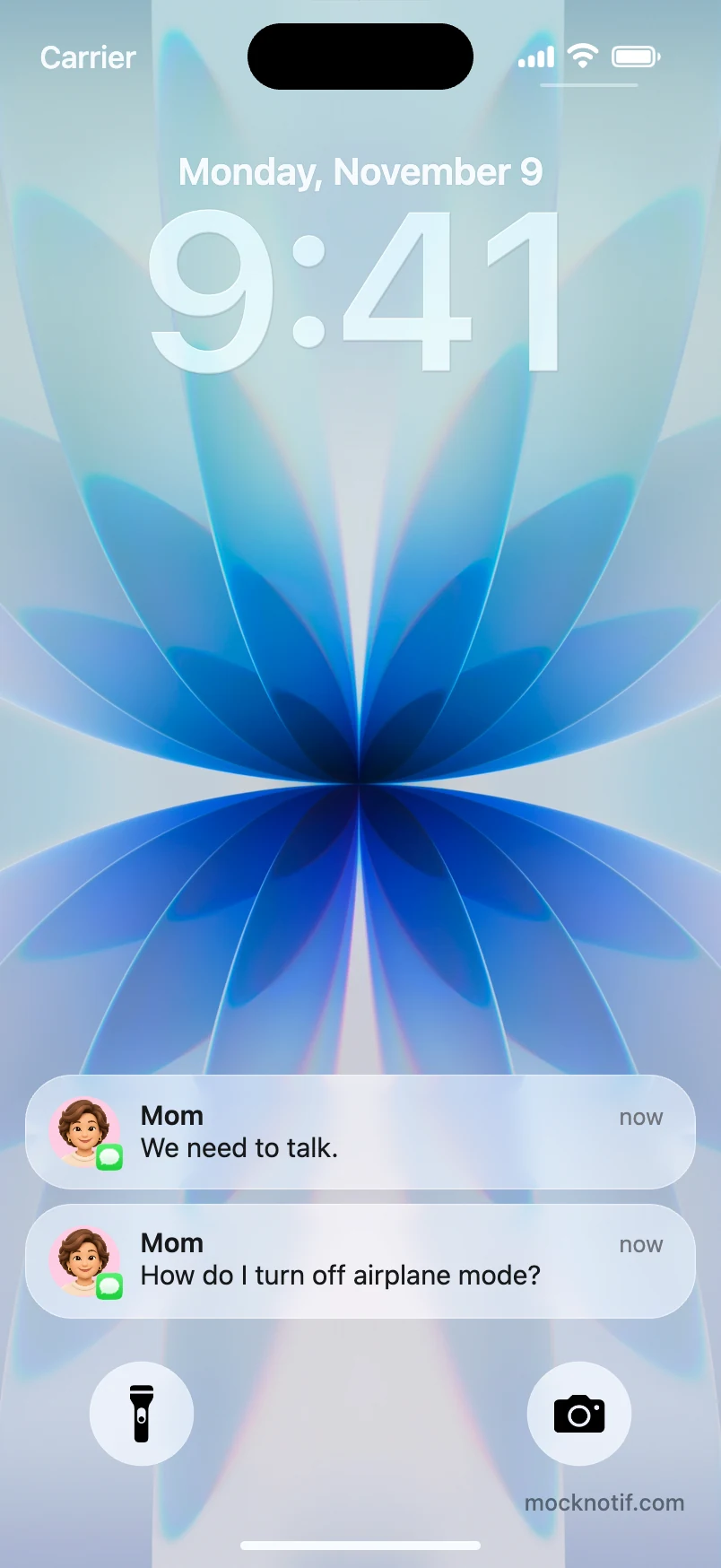
An iMessage notification animation with an unexpected follow-up.
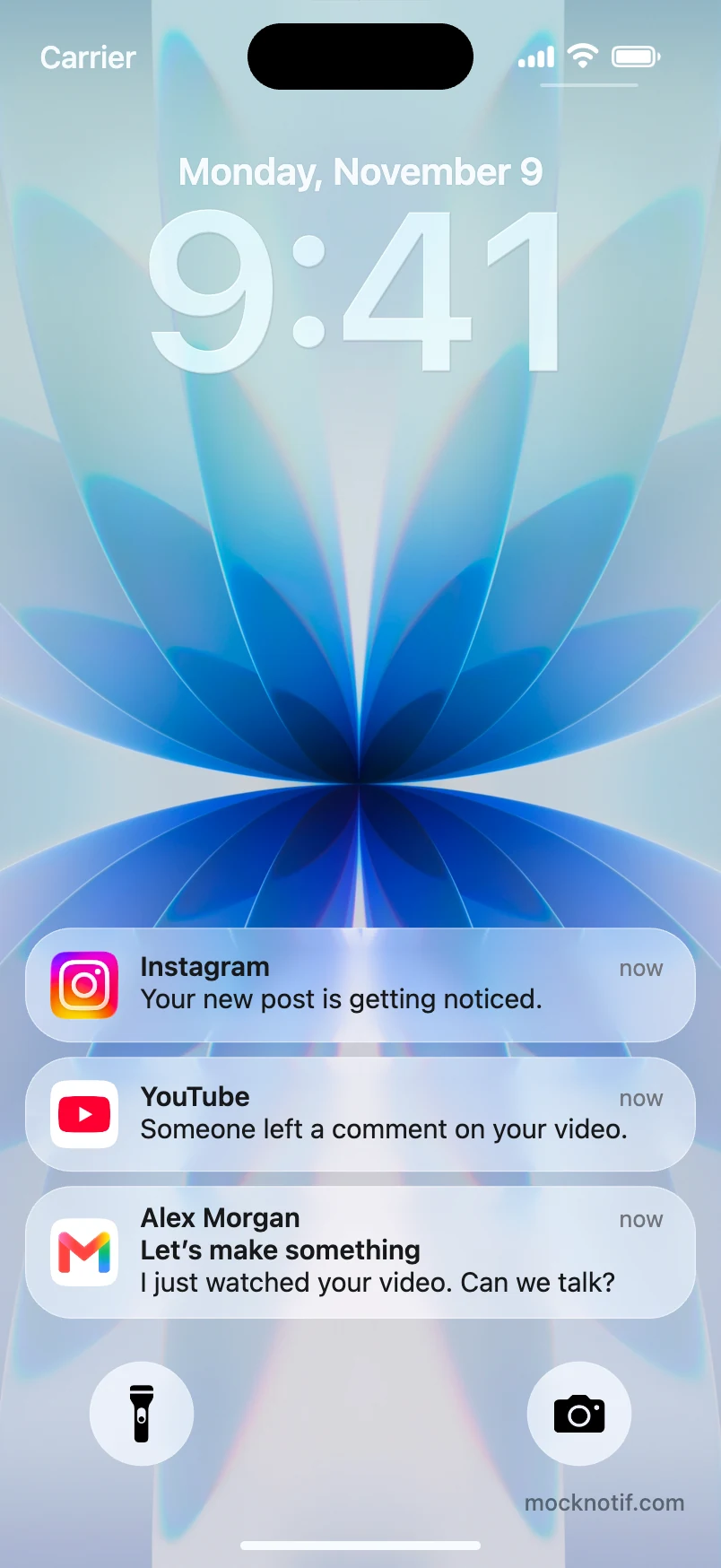
A creator’s day across Instagram, YouTube and Gmail.
Pick Messages, WhatsApp, Instagram or another app. Create a custom app to use your own icon.
Edit the sender and message, add a photo, and set when each notification appears. Drag the list to change the order.
Download the current frame as a PNG or export the animation as an MP4. An account is never required.
Mocknotif is a free online notification generator for iPhone lock screen mockups, memes, and short videos. Set when each message appears, choose a wallpaper, and adjust the glass effect in light or dark appearance.
Make your ownA few details before you export.
Choose an app, write the sender and message, and set when the notification appears. Customize the lock screen, preview the result, then open Export to save a PNG image or an animated MP4 video.
Yes. Add notifications and set their appearance times to make them arrive one after another. Preview the animation, then open Export and choose Export video to generate an MP4 in your browser. Video export requires a supported browser. PNG image export is also available.
Yes. Move the preview to the moment you want to capture, then open Export and choose Save image. Download the current frame as a PNG, free and without a watermark.
Yes. Choose Messages for an iMessage-style notification, or pick WhatsApp, Instagram, TikTok, Telegram, Gmail and other included apps. Use an app icon or a contact photo with an app badge. Open All apps to browse or create a custom app with your own name and icon.
Yes. You can edit notifications and export images or videos for free, without signing up. PNG images have no watermark. Free MP4 videos include a small mocknotif.com watermark.
No. The editor works in your browser. Your current draft is saved in this browser on this device, so you can return to it later. After exporting, download your file or use Share / Save when your browser supports file sharing.
They are creative mockups for fictional scenes, social videos and product demos. Mocknotif generates an image or animation and does not send push notifications or connect to the apps shown. Mocknotif is independent and is not affiliated with Apple.
